How to install cheats/scripts & hacks for Dota 2 free?
This guide gives a short, step-by-step explanation of how Dota 2 scripts and cheats are installed.
This time we are talking about how to install scripts and cheats in Dota. Chances are you have been curious about trying them at some point, so below I walk you through the whole process.
For a more detailed setup walkthrough, read the detailed Dota 2 cheat installation guide.
Not sure yet what cheats actually are, what they can do and what edge they give you? (Believe me, the answer is far less obvious and a lot more fun than it sounds.) Start with our full Dota 2 cheats and scripts guide for the background.
Melonity.gg cheat: install instructions
For the example I picked Melonity, an established and actively supported advanced cheat for Dota.
Now for the setup itself:
- Open melonity.gg.
- Register, or sign in if you already have an account. New users currently receive a seven-day trial through official registration.
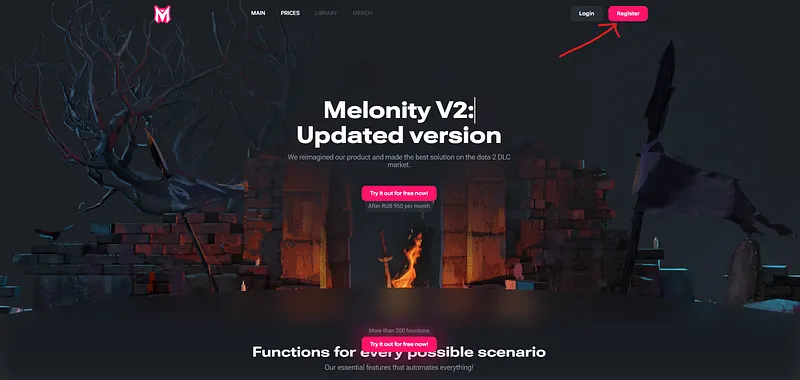
- Keep your security controls enabled. If the official launcher is blocked, verify the download source and file signature, then contact official support before continuing.
- Return to the official site and select “Download launcher” from your account page.
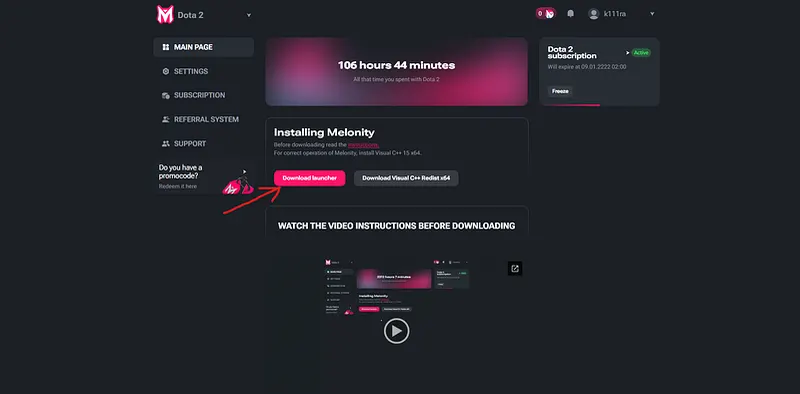
- Once the launcher is on your PC, move it into a folder on the system drive, such as C:\Melonity.
- Then run the launcher, let it download every file it needs, sign in with your account and press “Start Playing.”
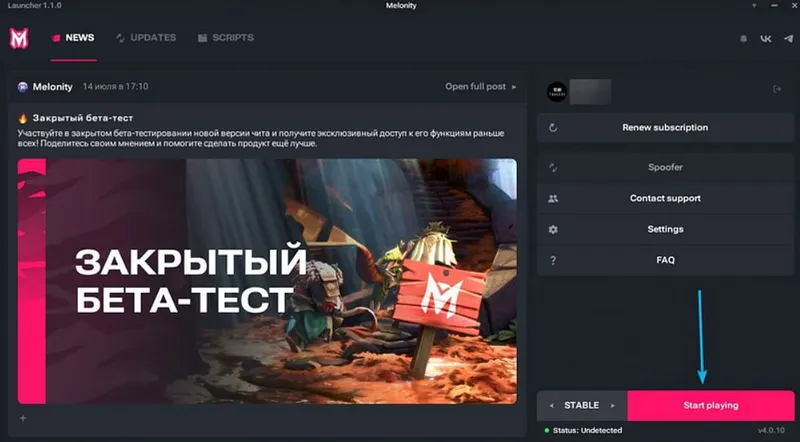
When the game opens, give it a moment to load completely and let the scripts finish loading too.
Done, nothing complicated about it.
For more background on Dota cheats before installing anything, read:
Found an outdated claim or broken source? Send a correction request.